
We've Deployed All Three. Here's the Real Difference Between n8n, Zapier, and Make.
Forget the feature matrices. After building production automations on all three platforms, we break down what actually matters: cost at scale, AI capabilities, and the trade-offs nobody talks about.

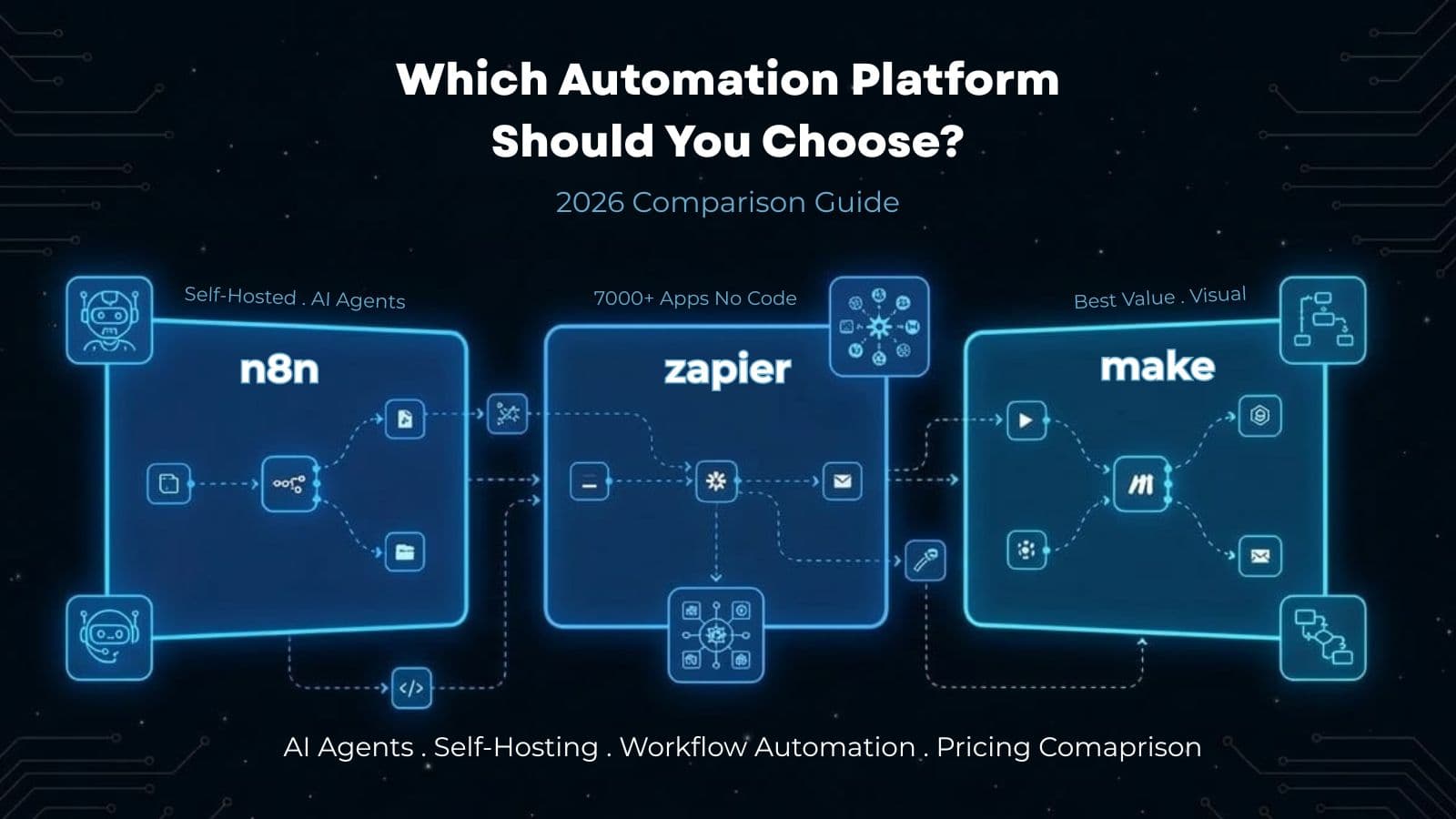
Someone on our team recently built the same automation on all three platforms just to settle an internal argument. A 10-step workflow: watch a form submission, enrich the data, check it against a CRM, route it to the right salesperson on Slack, and log everything to a Google Sheet.
On Zapier, each run consumed 9 tasks. On Make, 10 credits. On n8n, 1 execution.
At 1,000 form submissions per month, the monthly cost difference looked like this: Zapier ~$150, Make ~$11, n8n cloud ~$24, n8n self-hosted ~$6 for the VPS. Same outcome. Same data. Wildly different economics.
That single test captured something most comparison articles miss. These platforms don't just differ in features. They differ in how they charge you, and that billing model shapes every decision downstream.
The Short Answer
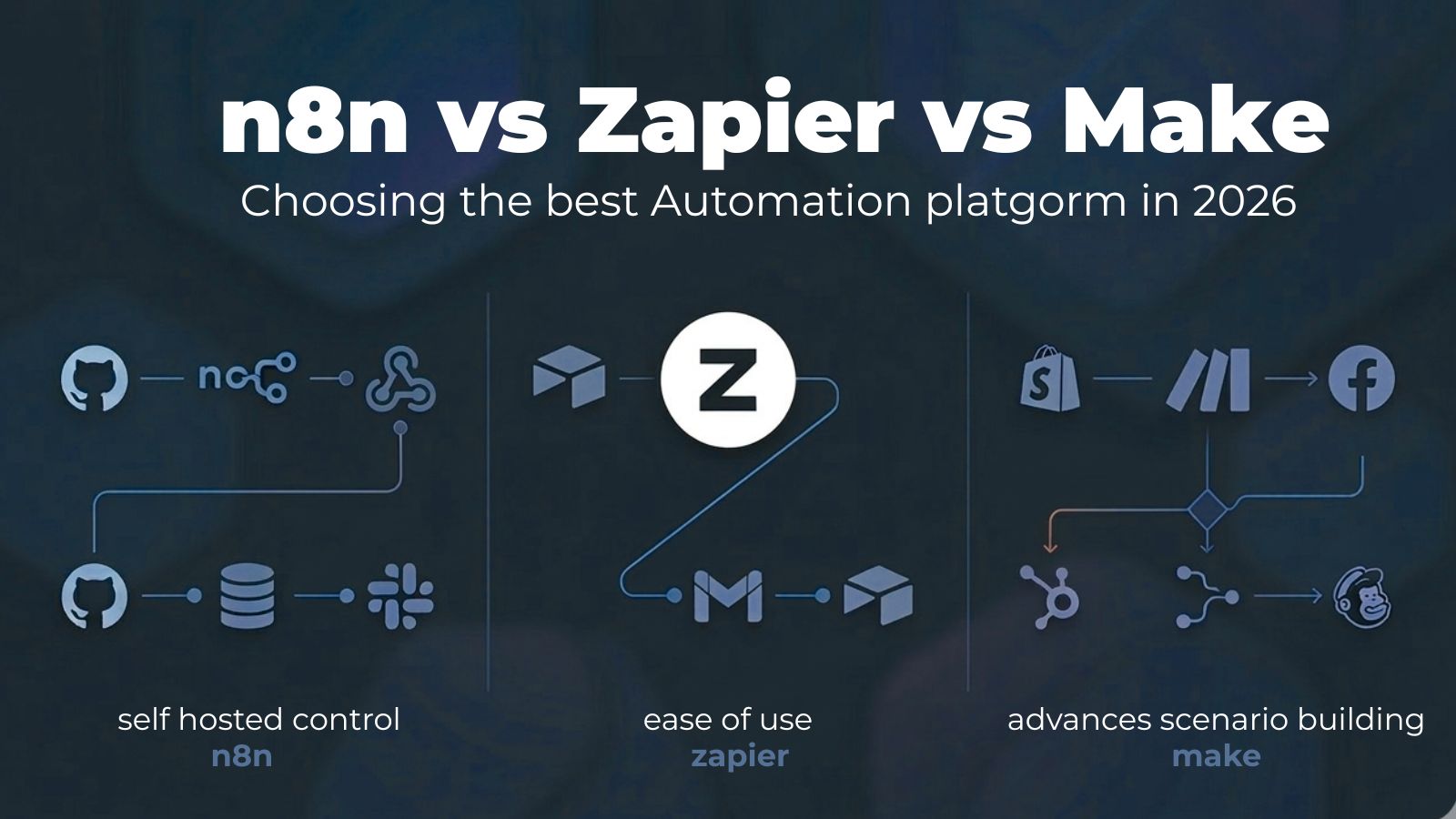
If you're here for a quick recommendation: Zapier for non-technical teams who need simple automations fast. Make for the best price-to-power ratio. n8n for engineering teams building complex or AI-heavy workflows.
The longer answer requires understanding why. And the "why" starts with money.
The Pricing Math Everyone Gets Wrong
Every comparison article lists pricing tiers. Very few explain what those numbers mean when workflows actually run.
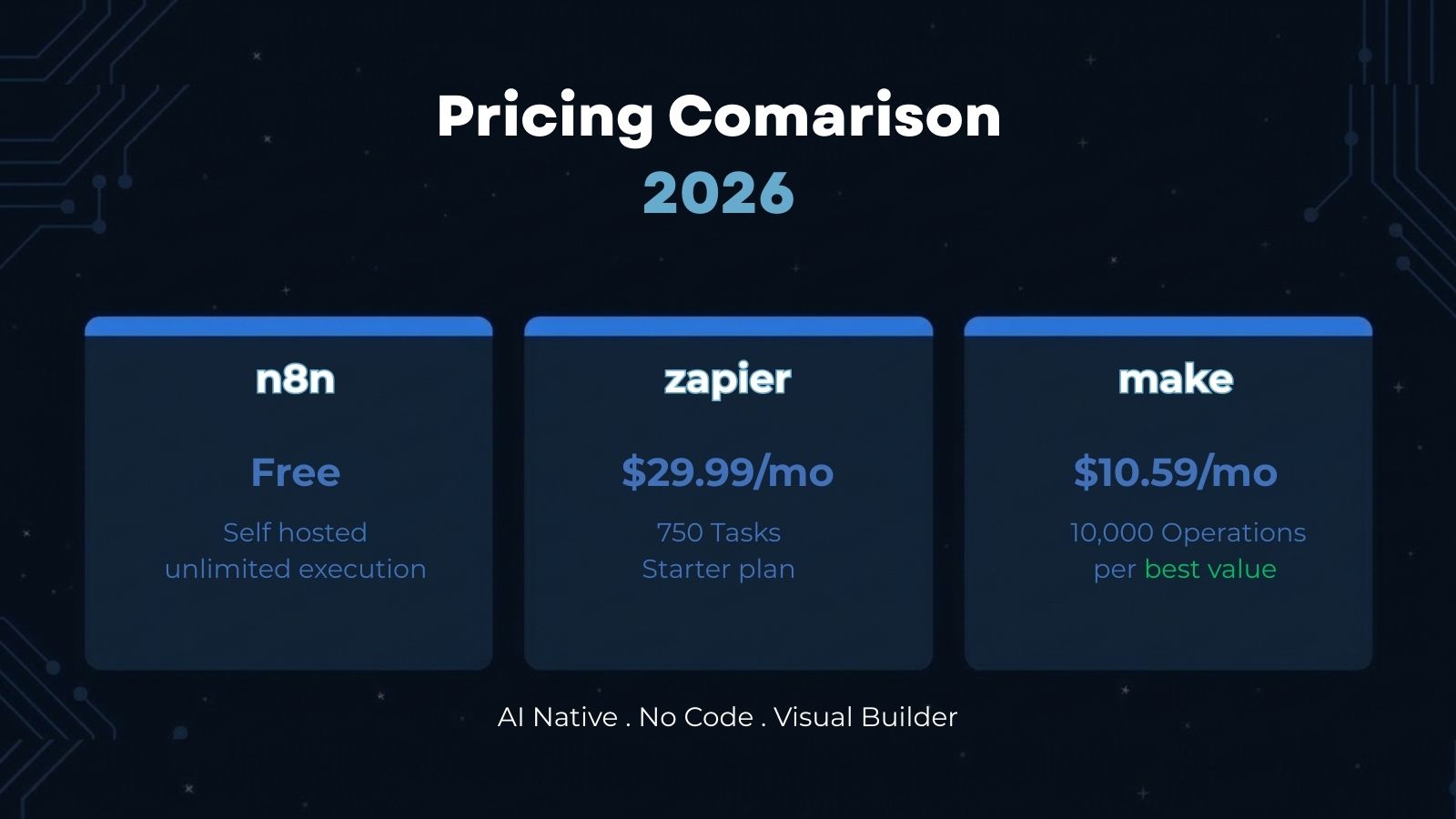
Zapier charges per task. A task is a single action step in your workflow. Triggers are free, and built-in tools like filters and formatters don't count. But every API call, every data lookup, every Slack message — that's a task. A 5-step workflow running once uses 4 tasks. Run it 1,000 times and you've consumed 4,000 tasks. Their Professional plan gives you 750 tasks for $29.99/month. You'll outgrow that in a week if your workflows have any complexity.
Make recently switched from "operations" to a credit system. Most actions cost 1 credit. But here's what catches people off guard: AI modules can cost 50+ credits per execution. One AI-enriched workflow running 200 times a day could consume your entire monthly credit allocation before the second week. The Core plan is $10.59/month for 10,000 credits, which is genuinely cheap until AI enters the picture.
n8n charges per execution. One execution equals one complete workflow run, regardless of how many steps it contains. A 2-node workflow and a 20-node workflow cost the same. This is the fundamental difference. Their cloud Pro plan is €60/month for 10,000 executions. Self-hosted is free with unlimited executions — you just pay for the server.
Here's the math that matters. Take a moderately complex 10-step workflow running 10,000 times per month:
| Platform | Billable Units | Approximate Monthly Cost |
|---|---|---|
| Zapier | 90,000 tasks | ~$600+ |
| Make | 100,000 credits | ~$100-150 |
| n8n Cloud | 10,000 executions | ~€60 |
| n8n Self-hosted | Unlimited | ~$6-20 (VPS) |
Same workflow. Same result. A 10x cost difference between Zapier and n8n. That's not a rounding error. That's a business decision.
AI: Where the Platforms Have Genuinely Diverged
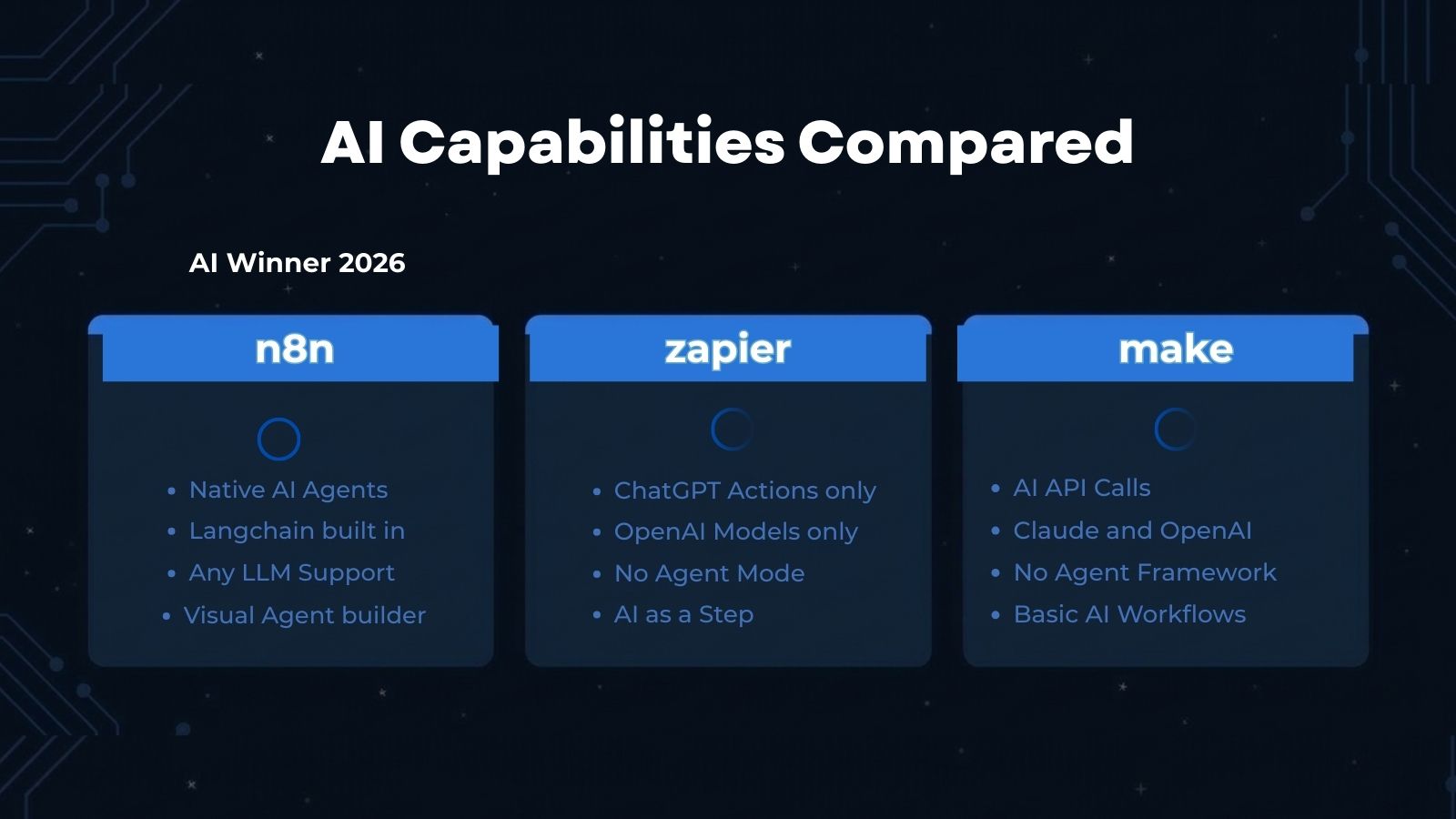
Two years ago, AI capabilities were an afterthought on all three platforms. Now they're the primary battleground, and the approaches are fundamentally different.
n8n went deep. 70+ AI-specific nodes, native LangChain integration at the code level, support for RAG, tool use, and multi-agent orchestration. You can define sub-workflows as "tools" that an AI agent can call autonomously. You can self-host your own LLMs and wire in custom vector databases. If you're building AI agents that need to reason, decide, and act across multiple systems, n8n is the only platform where this is a first-class capability.
Zapier went wide. At ZapConnect 2025, they announced 450+ AI-focused app integrations and launched Zapier Agents — autonomous AI "teammates" that handle multi-step tasks across their ecosystem. They also shipped Zapier MCP, which connects AI tools like Claude and ChatGPT to 8,000 apps via 30,000+ actions through the Model Context Protocol. If you want to plug AI into everything without writing code, Zapier has the most connections.
Make is catching up. Their AI assistant Maia builds scenarios for you and explains the logic as it goes, which is genuinely useful for learning. They launched a beta agent builder for support bots. But the AI story is the least mature of the three, and the credit cost for AI modules makes experimentation expensive.
Our take: n8n is the clear choice for building AI agents. Zapier is the clear choice for connecting to AI services. Make is fine for basic AI-augmented workflows but you'll hit limits quickly if AI is central to what you're doing.
The Self-Hosting Question (It's More Complicated Than You Think)
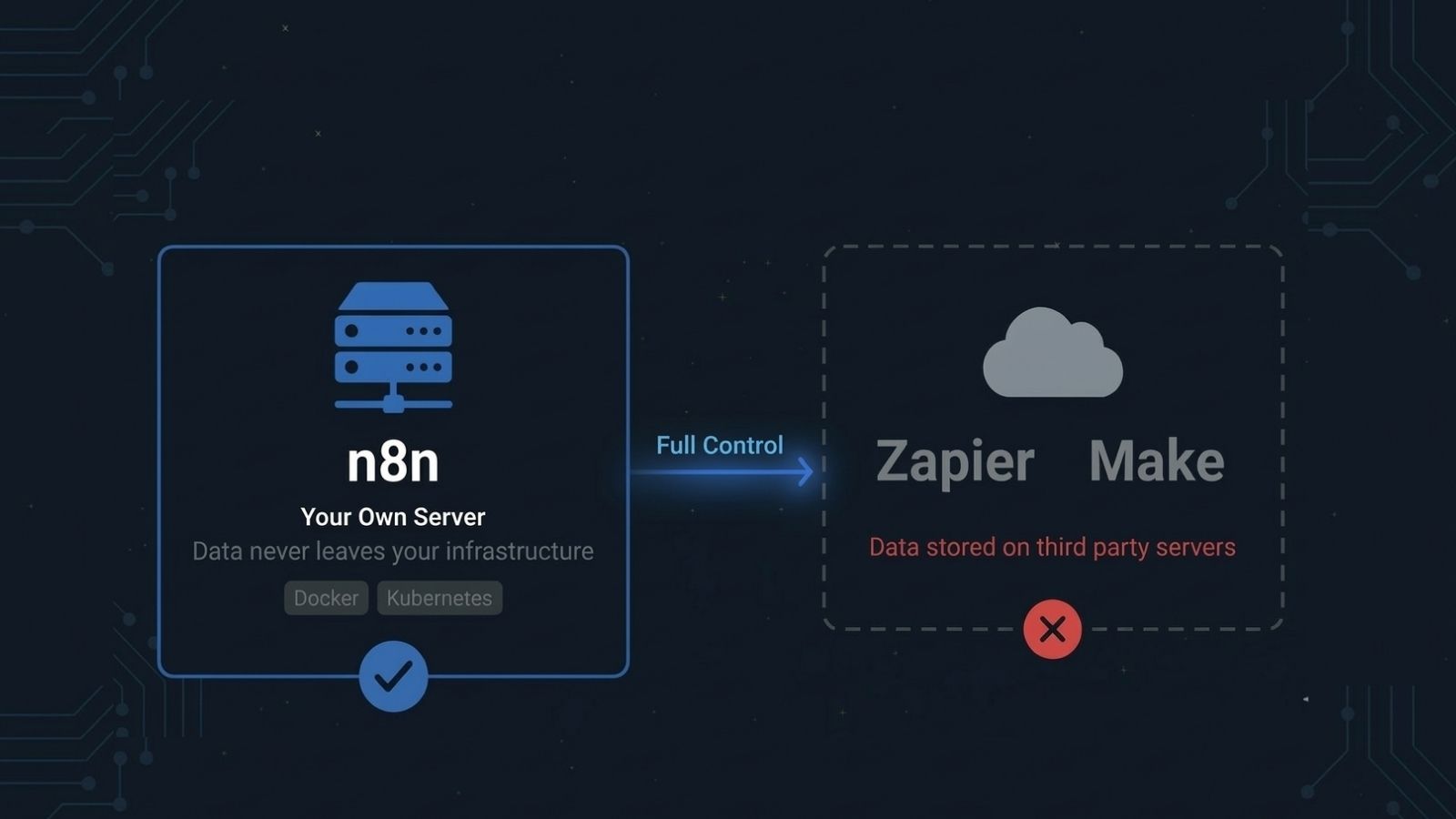
The n8n community will tell you that self-hosting gives you unlimited free executions, complete data sovereignty, and total control. All of that is technically true. But "technically true" and "practically smart" aren't always the same thing.
One developer documented their n8n self-hosting journey on DEV.to. Initial setup took 11 hours. Weekly maintenance averaged about an hour — security patches, monitoring, log review. Year one total cost: roughly $5,175 when you account for the VPS, time investment, and incident response. For enterprises, Cipher Projects estimates self-hosted n8n can reach $300,000/year once you factor in a dedicated DevOps engineer, security audits, compliance work, and infrastructure scaling.
Then there's the part most n8n advocates don't mention: self-hosting doesn't mean your data stays on-premises. Most integrations require external API calls that leave your self-hosted boundary. If your workflow talks to Salesforce, Google Sheets, or Slack, your data is traveling across the internet regardless of where n8n runs.
And then there are the security incidents.
Between December 2025 and March 2026, n8n was hit by a cascade of critical vulnerabilities. The most severe, dubbed "Ni8mare" (CVE-2026-21858), scored a perfect 10.0 on the CVSS scale. It allowed unauthenticated remote code execution — attackers could read arbitrary files, extract admin credentials, and take over servers without any login. On January 11, 2026, there were 59,559 internet-connected n8n instances vulnerable, and CISA confirmed active exploitation in March with 24,700+ still exposed.
This doesn't mean n8n is insecure as a platform. Software has vulnerabilities. But it does mean that self-hosting shifts the security burden entirely to you. Zapier and Make patch their infrastructure immediately. If you self-host n8n, you're on the hook for monitoring CVE feeds and deploying patches within hours, not weeks. The data shows most self-hosters are slow to do this.
We still recommend and deploy self-hosted n8n for clients. But we go in with eyes open about what it actually requires: someone technical who monitors it, patches it, and doesn't treat "set up once and forget" as a viable strategy.
Workflow Complexity and Who Each Platform Is Actually For
Zapier excels at linear chains. Trigger, action, action, done. It handles branching with Paths and filtering with conditions, but anything beyond moderate logic starts to feel like you're fighting the tool. The interface prioritizes simplicity, which is a genuine strength for the marketing manager who needs to connect Typeform to HubSpot. It's a genuine limitation for the engineer who needs conditional retry logic with error handling.
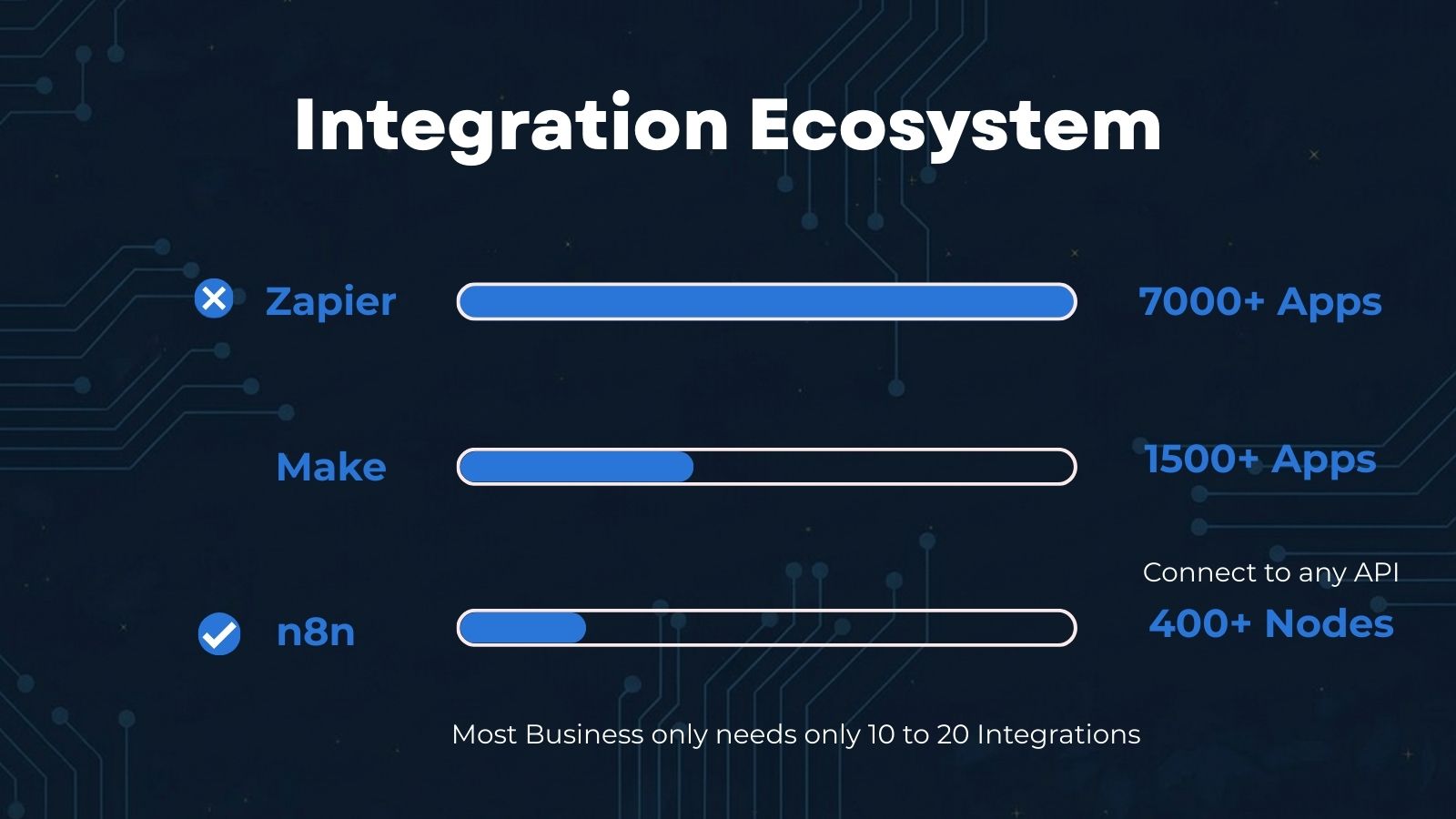
The 8,000+ integration library is real and it matters. If your workflow depends on a niche SaaS tool, Zapier probably has a native integration. n8n and Make probably don't, and you'll be writing HTTP requests.
Make sits in a specific sweet spot. Its visual scenario builder handles branching, iterators, aggregators, and error handlers in a way that's more powerful than Zapier but more approachable than n8n. Operations, marketing, and support teams have an easier time building in Make than in n8n. The 3,000-integration library covers the popular tools, and pricing at equivalent volumes runs roughly 60% less than Zapier.
Make is the platform we recommend most often for non-engineering teams that have outgrown Zapier's pricing or need moderate workflow complexity.
n8n is low-code, not no-code. That distinction trips people up. You need to be comfortable with JSON, HTTP requests, and data structures. The documentation can be sparse in places. SSO and organizational features are locked behind enterprise licensing, which frustrates teams that otherwise love the platform.
But for the right team, n8n is unmatched. Custom code nodes (JavaScript and Python), sub-workflow architecture, native AI agent support, and the execution-based billing model make it the strongest choice for technical teams running complex workflows at volume.
The Decision, Simplified
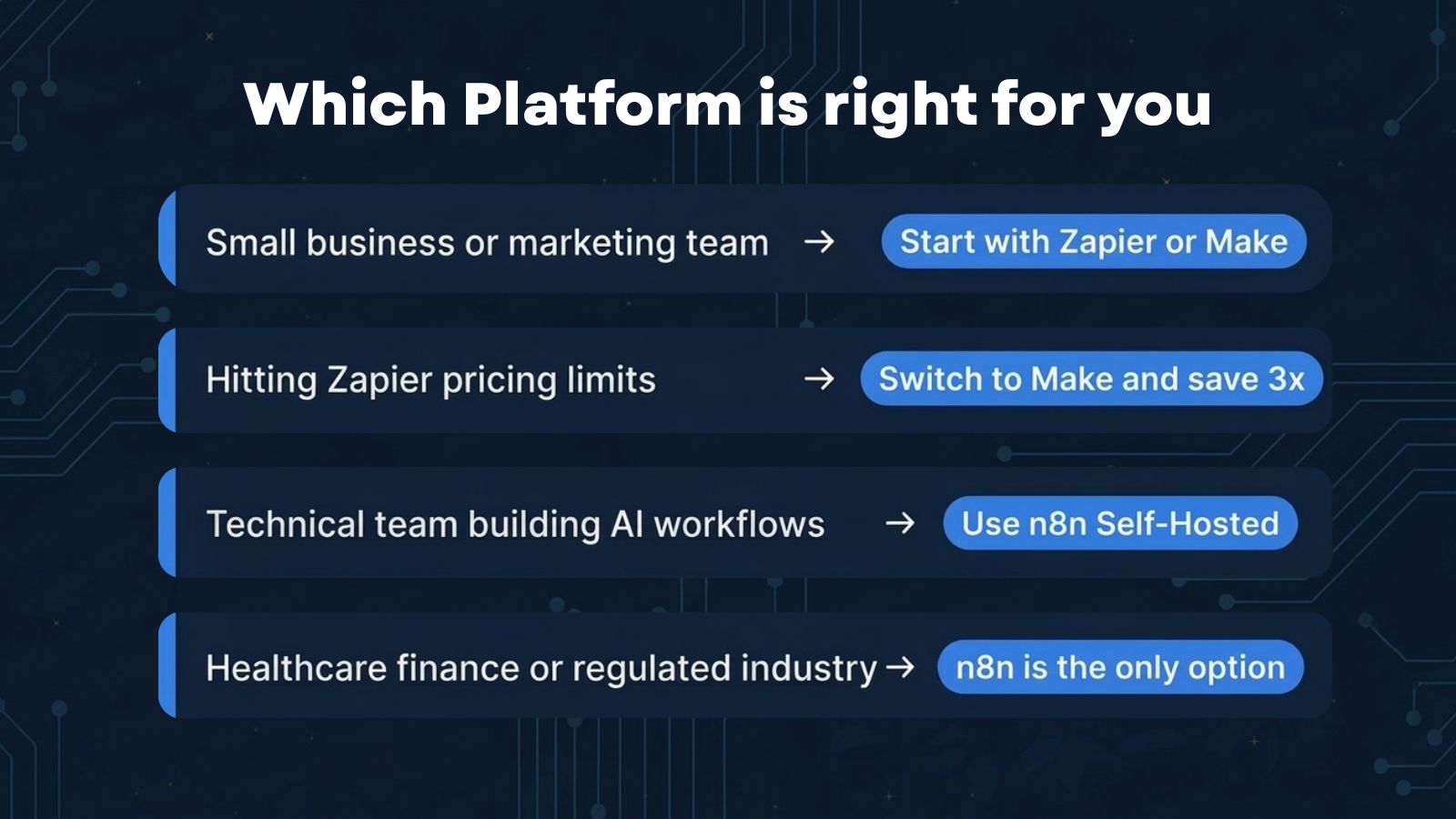
You're a small team or marketing department with simple needs. Start with Zapier or Make. Get workflows running this week, not this quarter. If cost matters, start with Make.
You're hitting Zapier's pricing ceiling. Migrate to Make for 3-5x cost savings at similar functionality. The migration takes 2-4 weeks for 20+ workflows.
You're an engineering team building AI-powered automations. n8n, probably self-hosted. Full control, execution-based pricing, native AI agents. Accept the maintenance burden or pay for their cloud plan.
You're in a regulated industry and need data sovereignty. n8n self-hosted, but invest in proper security operations. Given the 2025-2026 CVE history, this is not optional.
You need one specific integration only Zapier has. Use Zapier for that one workflow. Use Make or n8n for everything else. Nobody says you have to pick just one.
What We Use and Why
We build on n8n for most client projects. The execution-based billing, self-hosting option, and AI agent support make it the best fit for the kind of work we do — complex, multi-system automations that often involve AI decision-making.
But we've built on all three, and we'll recommend Zapier or Make when they're the right fit. The best automation platform is the one your team will actually maintain six months after launch. A well-built Zapier workflow that runs reliably beats an abandoned n8n instance every time.
The tool choice matters less than the process design. Start with the workflow, not the platform. Map out what triggers it, what decisions get made, where errors happen, and what the output should be. Then pick the tool that matches your team's skills and your budget.
Choosing an automation platform or migrating from one to another? Talk to us. We'll audit your current workflows, run the cost math on all three options, and tell you which one makes sense for your specific situation.