Twelve Internal AI Tool Audits. What's Worth Buying.
ChatGPT Teams, Glean, Notion AI, Copilot, or roll your own. We audited internal AI stacks at twelve companies between 50 and 300 people. Here's where each one earns its money and where it doesn't.

We ran or sat in on internal AI tool audits at twelve companies between November and April. All of them were between 50 and 300 people. Most of them were paying for at least two overlapping AI tools. A few were paying for four. One company we looked at had ChatGPT Teams, Microsoft Copilot, Notion AI, Glean, and a half-built internal RAG project all running at the same time, with no clear owner for any of them. Their finance lead was the one who asked us to come in.
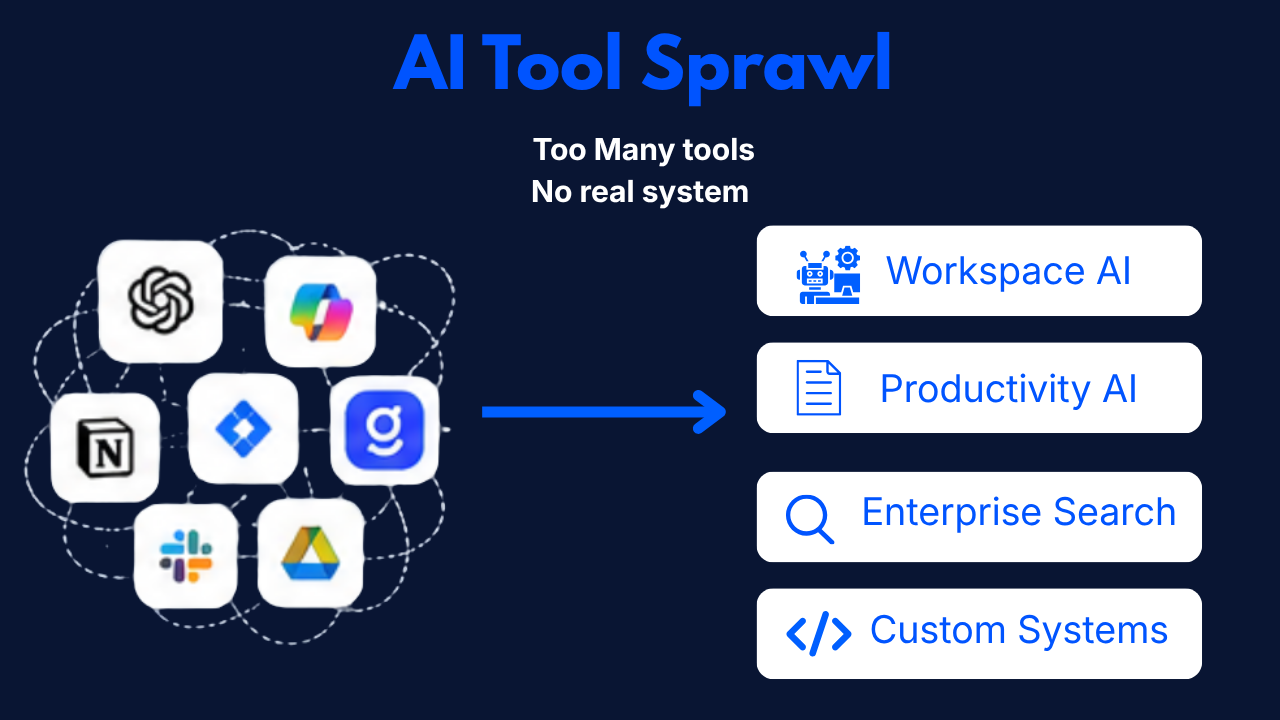
The pattern across these audits is consistent enough that it's worth writing down. Most companies don't have an AI tool problem. They have an AI tool sprawl problem. The fix is rarely "buy a better tool." It's "pick a stack and stop paying for the other three."
Here's the field report on what each of the major buckets actually does, where it earns its money, and where you should walk away.
The four buckets we keep seeing
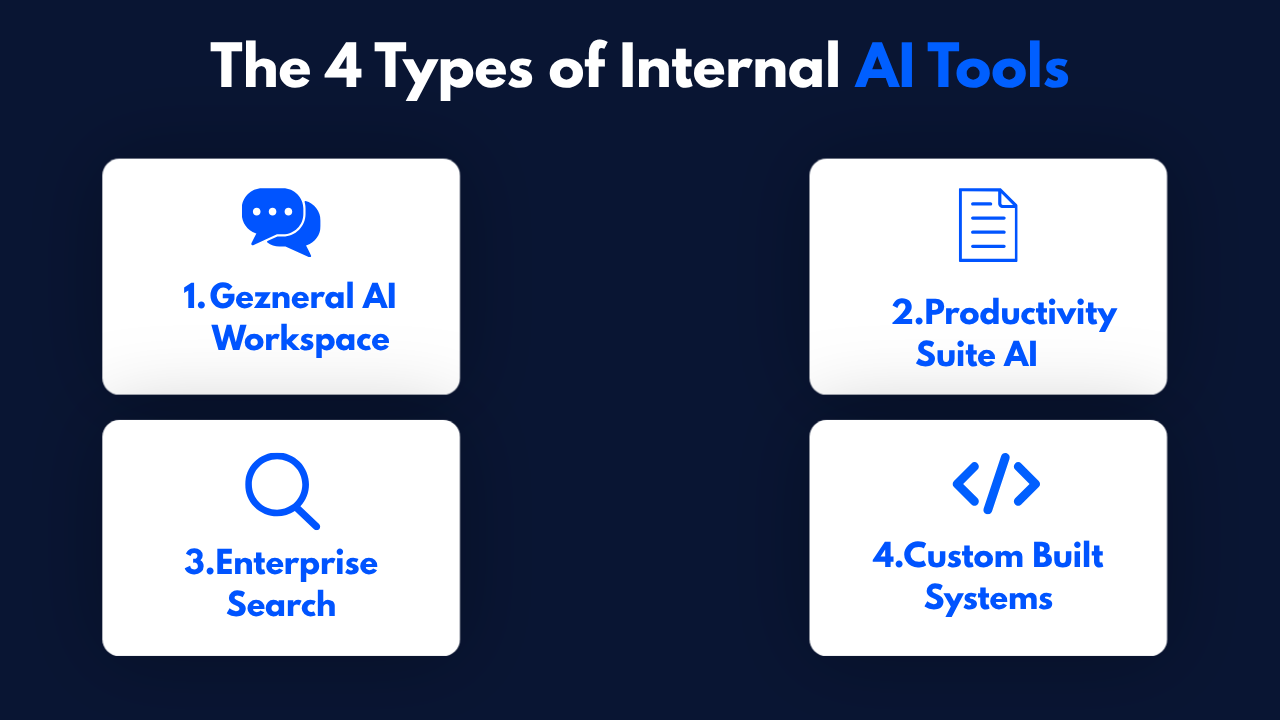
There are basically four kinds of internal AI tool a 50 to 300 person company can buy or build in 2026. Most companies end up with one or two. The ones that try to have all four either burn money or end up with shelfware.
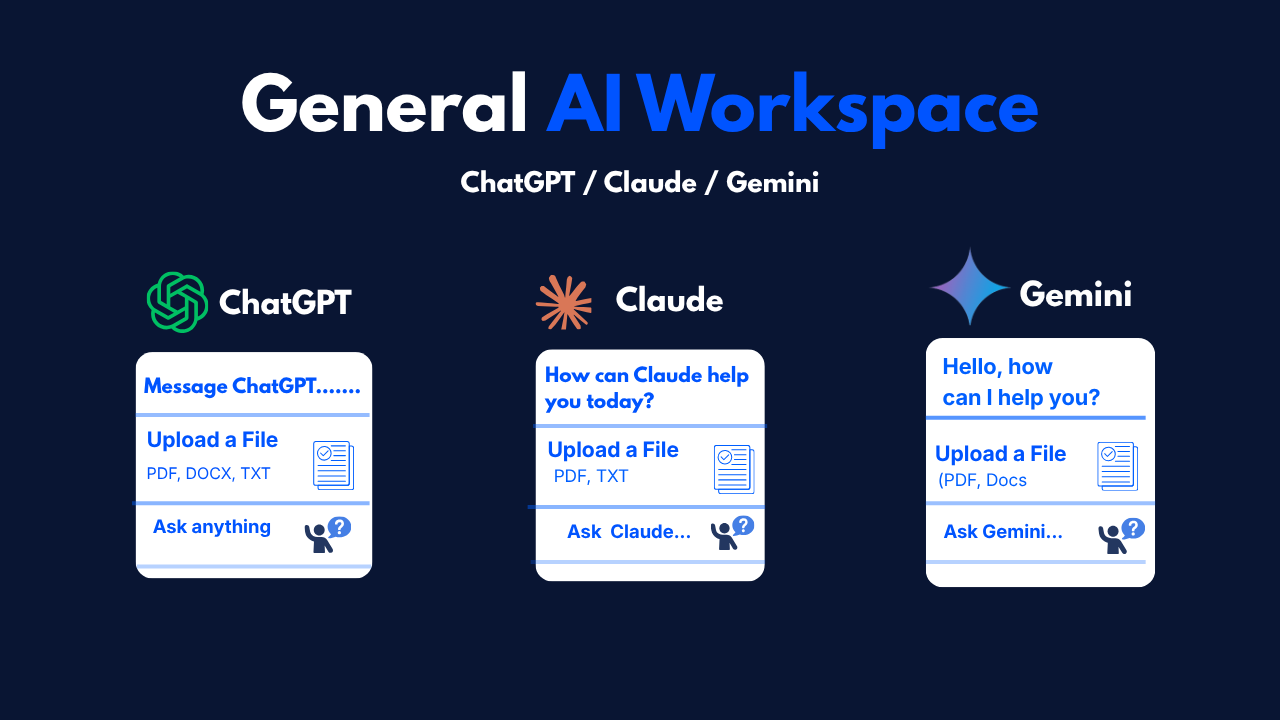
The first is the general AI workspace. ChatGPT Teams, Claude for Work, Gemini Business. Pay per seat, chat interface, decent file uploads, some web access, light integrations. People use it like a smarter search engine and an unblockable writing assistant.
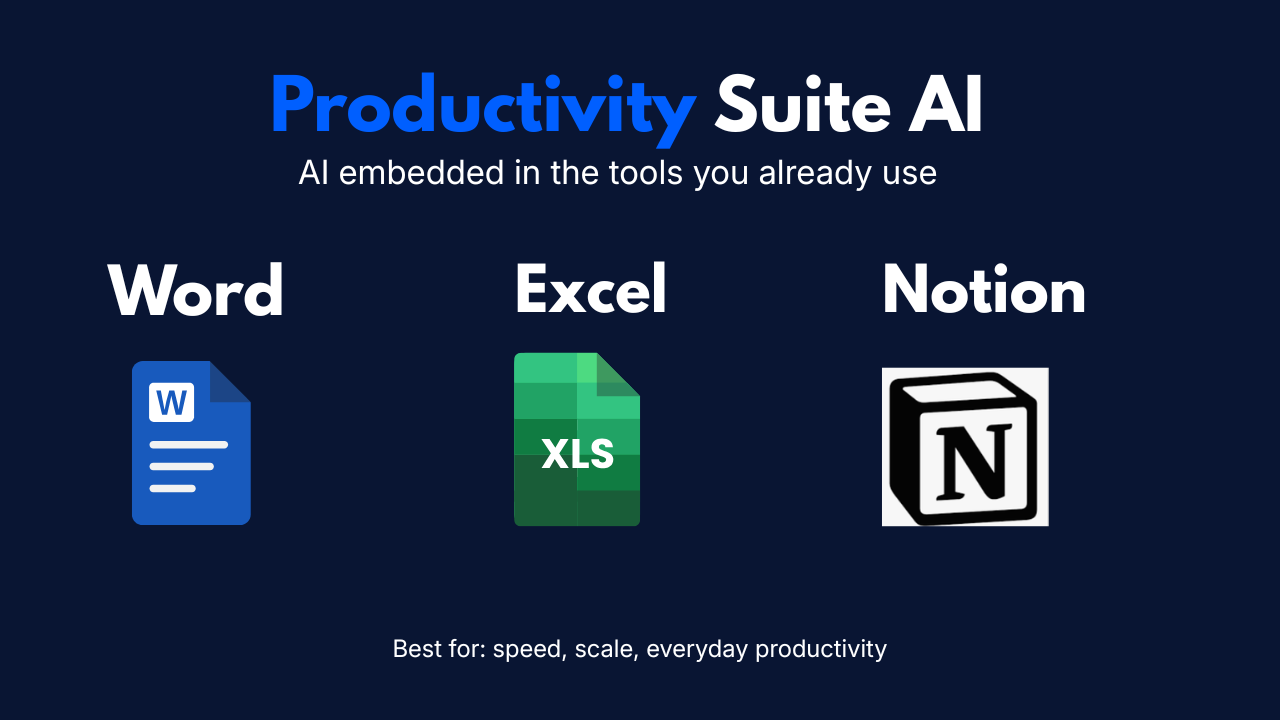
The second is the productivity-suite AI. Microsoft Copilot, Google Workspace AI, Notion AI. AI that lives inside the documents, spreadsheets, and slide decks people are already in. Less open-ended. More embedded.
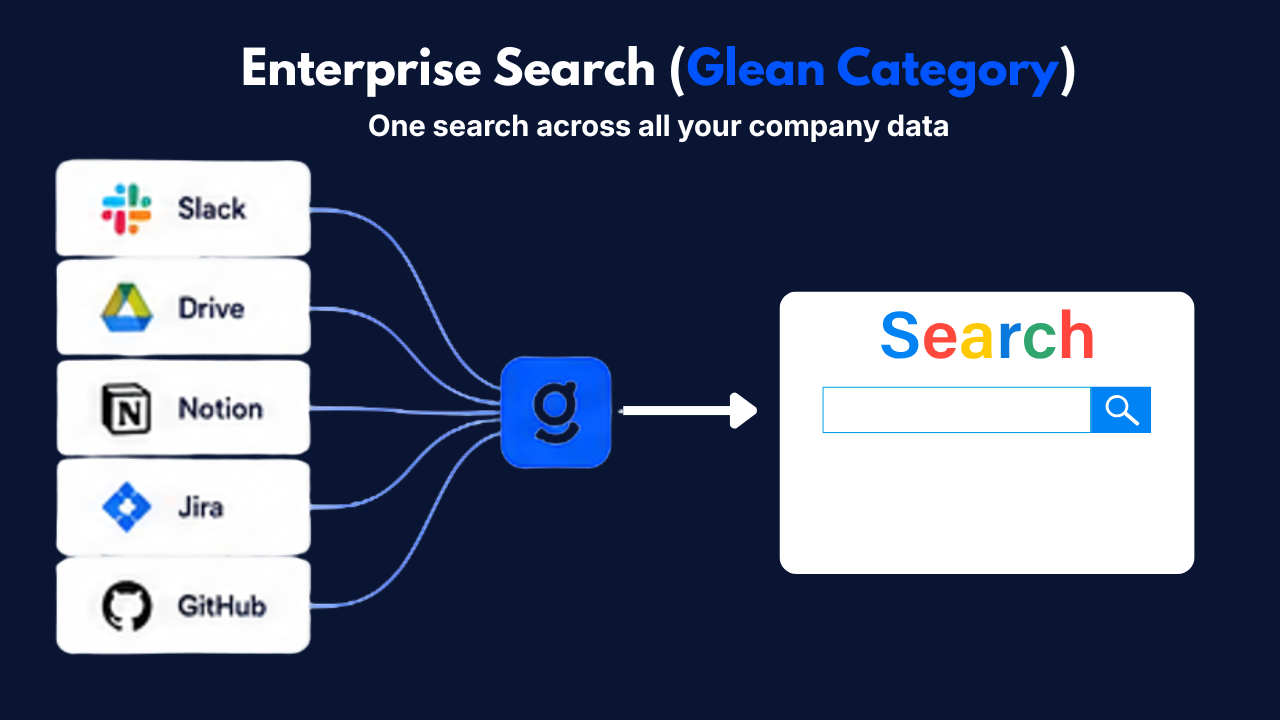
The third is enterprise search and knowledge. Glean is the category leader. Microsoft Viva, plus some smaller players. Indexes all your company's data, lets people ask questions in plain language with citations, finds expertise across the org.
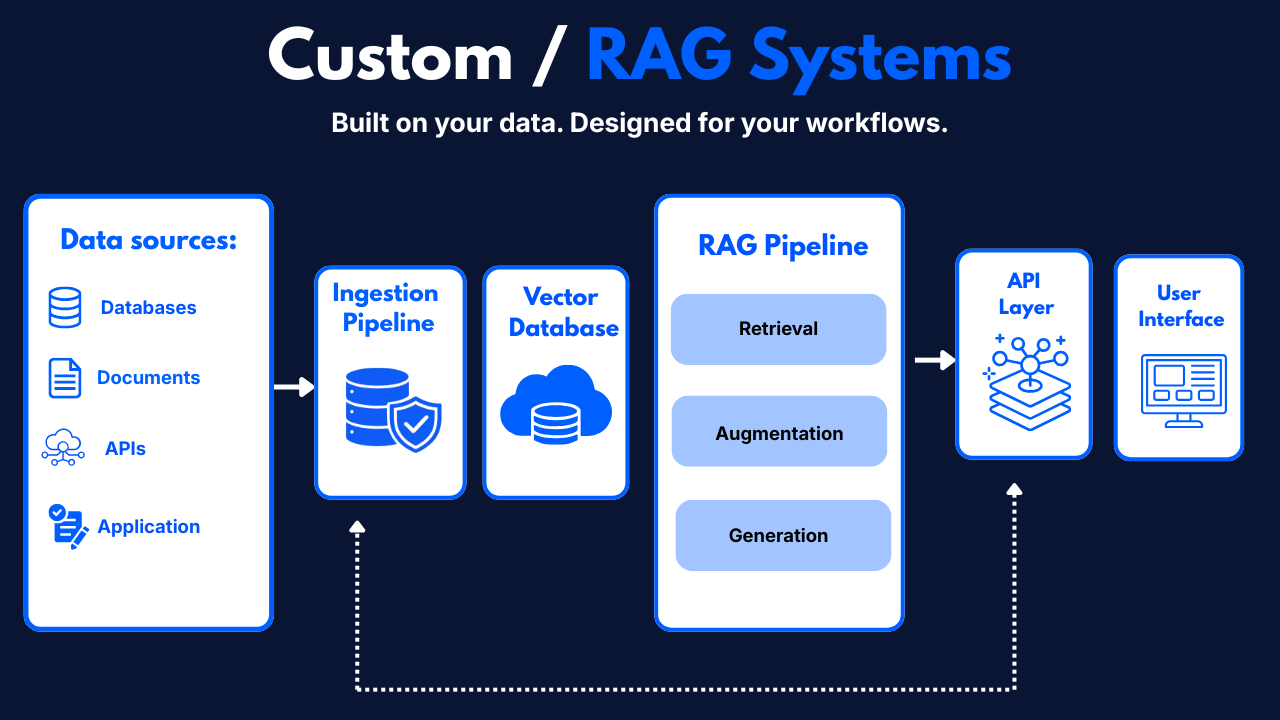
The fourth is custom or self-built. A RAG system over your specific docs, an agent over your Postgres, an internal chatbot for HR policies, whatever. Built or commissioned. Lives on your infrastructure.
The companies that get the AI tool budget right tend to pick one from each row only when there's a real reason. The companies that don't tend to have all four because nobody said no.
ChatGPT Teams (and Claude for Work, and Gemini Business)
What it's actually good for. Quick answers without leaving the chat tab. Drafting first-pass writing. Code questions for non-engineers. Brainstorming. Things where a single user has a single question and wants a single answer.
What it's not. A knowledge tool. A workflow tool. Anything that needs to touch real company data. The "memory" features have gotten better. They're still mostly a personal-productivity feature, not a company-knowledge feature.
The real ROI. Higher than the line on the invoice suggests, lower than the AI hype suggests. Across the twelve companies, the median time-saved-per-active-user we measured was about 3 hours a week. At $30 per seat per month, that's a reasonable trade if your fully-loaded labor cost is anywhere above $25/hour. Which it is.
The trap. You buy it for everyone and only 40% of seats become active users inside the first 90 days. The other 60% are paying tax. Most companies we audited had over-provisioned seats by about 30%. The fix is to start small (50 seats), measure, and expand from real demand, not aspirational rollouts.
The honest call. ChatGPT Teams (or Claude for Work — we've been moving more clients to Claude for the longer context and the better following of long system prompts) is the easiest single AI subscription to justify at a 50 to 300 person company. If you only buy one thing, it's probably this. But don't buy it for the whole company on day one.
Microsoft Copilot, Google Workspace AI, Notion AI
What it's actually good for. Embedded summarization (meeting notes, document summaries), in-context drafting (replying to an email, finishing a paragraph), light data work in spreadsheets. The "the AI is already where I am" experience.
What it's not. As capable as the standalone chat tools on hard reasoning or long context tasks. The model behind Copilot is usually a generation behind the frontier. Notion AI is fine for what it does, narrow for what it doesn't.
The real ROI. Spotty and very organization-specific. Microsoft Copilot at $30 per seat is expensive enough that we've seen multiple companies pull it back to a smaller pilot group after six months. The companies where it works are the ones already deep in Microsoft 365 with high email volume per user. The companies where it doesn't are the ones who bought it because the IT director said "we already use Microsoft."
The trap. The procurement story for Copilot is much better than the user-adoption story. We've seen multiple companies where Copilot adoption was under 25% of seats six months in, but the renewal got rubber-stamped because nobody owned the question.
The honest call. Microsoft Copilot is worth paying for in the 200+ person companies we audited that are heavy 365 users. Below that, the per-seat math is hard to justify against ChatGPT or Claude. Notion AI is cheap enough at $10/seat that it pays for itself in any company that lives in Notion. Google Workspace AI is fine, currently the weakest of the three on actual user experience.
Glean and enterprise search
What it's actually good for. Letting someone ask "where's the on-call runbook for the billing service" or "what did legal say about the new vendor contract template" and get a real answer with citations across Slack, Notion, Drive, Confluence, Jira, GitHub. The "company brain" use case.
What it's not. A general-purpose chat tool. A coding assistant. A creative writing tool. Glean is a search and synthesis layer. If you ask it to write a poem, it'll do it, but you paid Ferrari money for a bicycle ride.
The real ROI. The highest ROI per dollar of any AI tool we measured, at companies above about 100 employees. The reason is that institutional knowledge loss compounds and Glean directly reverses it. New hires get onboarded faster. The "who knows about X" question gets answered without a Slack post. The runbook gets found at 2am instead of paging someone.
The trap. Glean is expensive. List pricing was around $40 to $50 per seat when we last priced it for a 150-person client, often higher after enterprise negotiation. The math doesn't work under about 80 to 100 employees because you don't have enough institutional knowledge to need this kind of search. You also have to actually integrate all the sources. A half-integrated Glean is worse than no Glean — it lies confidently about what it can see.
The honest call. Glean (or similar — there's a half-dozen competitors now, including some good Anthropic-MCP-native ones) is the tool that consistently surprises clients with how much it pays back, but only above 100 employees and only with proper integration discipline. Under 100, you don't have the data corpus to justify it.
Roll your own (internal RAG, agents, custom workflows)
What it's actually good for. The specific job that no off-the-shelf tool does. A RAG over a proprietary legal corpus. An agent that drafts replies to your customer support queue using your specific tone and policies. A workflow that hits your specific internal API.
What it's not. A way to save money on AI tools. Almost no company we've audited has saved money by building instead of buying for the general-purpose use cases. Where building pays is the narrow, specific, company-defining use case that off-the-shelf can't touch.
The real ROI. Highly variable. The wins we've measured are excellent — 60 to 80% time savings on specific high-frequency workflows like contract review, support triage, or invoice matching. The misses are bad — projects that ran $80K and ended up shelved because the eval set was never built. The 2x to 5x spread between best and worst case is the actual risk.
The trap. Companies build because building feels like control. Then they discover that building means owning the model, the prompt, the retrieval, the evals, the monitoring, the on-call rotation, the cost forecasting, and the customer-facing explanation when it's wrong. None of which they wanted to own.
The honest call. Build only where the use case is specific to your company in a way that creates real defensible value. Don't build because you don't trust SaaS pricing. Don't build a general-purpose chat tool — Anthropic and OpenAI are subsidizing inference at a level you can't compete with. Do build for the workflow that's the actual moat of your business.
A practical filter. If you can't write down what makes this AI feature impossible to buy from a vendor in a paragraph that doesn't include "we want it our way," don't build it.
What we'd actually buy at 50, 150, and 300 employees
If you asked us to spec the internal AI stack at three different company sizes, this is what we'd run.
At 50 employees, one general AI workspace. Claude for Work or ChatGPT Teams. Start with 25 seats for the obvious power users. Expand from real demand, not headcount. No Glean (you don't have the data corpus). Notion AI if you live in Notion. Skip Copilot until you cross 150 unless you're already heavy in 365. No custom builds yet unless there's a specific workflow that's already costing you a hire's worth of time.
Total monthly AI spend, ballpark, $750 to $1,500.
At 150 employees, one general AI workspace at 80 to 100 seats. Glean (or similar) for company-wide knowledge search, properly integrated. Notion AI or productivity-suite AI for the people whose work lives there. One narrow custom build — the workflow that's specific to your company's value chain (the contract review, the invoice match, whatever). Owner: one engineer at 30% time.
Total monthly AI spend, ballpark, $8K to $12K, plus the build cost amortized.
At 300 employees, the same shape as 150 with two changes. The general AI workspace scales to most knowledge workers (around 200 seats). The custom build budget goes up — you can probably justify two or three narrow builds, owned by a small AI ops function. Glean is fully integrated and someone owns its quality. You probably add Copilot or its equivalent if you're a 365 shop. You also start looking at AI governance — logging, evals, internal cost dashboards.
Total monthly AI spend, ballpark, $25K to $40K, plus a small team budget.
The hidden cost nobody plans for
Across the twelve audits, the consistent surprise was not the per-seat cost of the tools. It was the cleanup cost of running too many tools for too long.
The companies that had ChatGPT Teams, Copilot, Notion AI, and Glean all running had a different problem from the cost. Their employees didn't know where to ask which question. The bid analyst would copy the same query into three tools because she didn't trust any single answer. The new hire would ask in Slack because none of the tools surfaced for him. The CFO would get four different draft emails from four different tools about the same forecast.
The cost of that fragmentation is not on any invoice. It shows up as time-to-answer, as inconsistent decisions, as the slow erosion of "the tool is faster" into "the tool is fine but I'll just ask Sarah."
The fix is hard but clear. Pick a stack. Tell people which tool is for which job. Pull the others out. The tool you remove is more valuable than the tool you add.
What we tell CTOs before they buy anything else
Three questions, before the next AI subscription gets signed.
What is this tool replacing in someone's actual workflow today. If the answer is "nothing, it's additive," the tool will not get used. Every AI tool that retained in our audits was replacing a specific previous behavior — searching the wiki, drafting an email from scratch, copy-pasting between sheets.
Who owns the rollout. Not who signed the contract. Who is going to write the training docs, run the launch comms, monitor the adoption metrics, and pull the plug if adoption fails. If nobody on the leadership team can name that person, do not buy the tool yet.
What's the kill criteria. Under what specific condition do you cancel this subscription. "Under 40% active seats at month 6" is a kill criterion. "If it doesn't work out" is not. Companies that don't write down the kill criteria end up with shelfware that renews by default.
The internal AI tool decision is mostly a discipline problem, not a vendor problem. The vendors are fine. The tools work. The companies that get this right are the ones who treat each tool like a small product launch with a real owner and a real kill switch.
The companies that don't end up like the one whose finance lead called us. Five overlapping tools, no clear owner, no measurable ROI, and a renewal cycle coming up in six weeks. The fix wasn't buying a better tool. The fix was picking two, killing three, and naming an owner. Most of the work was conversations, not procurement.
If you're at a company in the 50 to 300 range and the AI tool bill is creeping up, the smart move in 2026 is probably to stop adding and start cutting. The tool you remove is, more often than not, more valuable than the tool you add.
Got an AI tool bill that's growing faster than your understanding of what's actually working? Book a free strategy call. We'll audit the stack, name the overlap, and tell you what to keep and what to cut. If everything's working as-is, we'll tell you that too.